Coach payroll in a tennis club or tennis school
Coach payroll records, per coach and month, which lessons a coach gave, how long they lasted and what the club or tennis school owes for them. In mytennis.software it comes from the calendar: the software counts the lessons by itself, multiplies duration by hourly rate and shows hours and cost for any period. The head of the school confirms the month, marks it as paid and exports everything as an Excel file.
- Lessons counted for you
- Hourly rate per coach
- Excel export
Updated: November 2026
What belongs on a payroll sheet for coaches
- The name of the coach and the period, usually one month
- Date, group and duration of every lesson
- The hourly rate and from when it applies
- Cancelled lessons, kept apart from the ones held
- Extras and deductions with date and text
- The total and the date of payment
How mytennis.software calculates
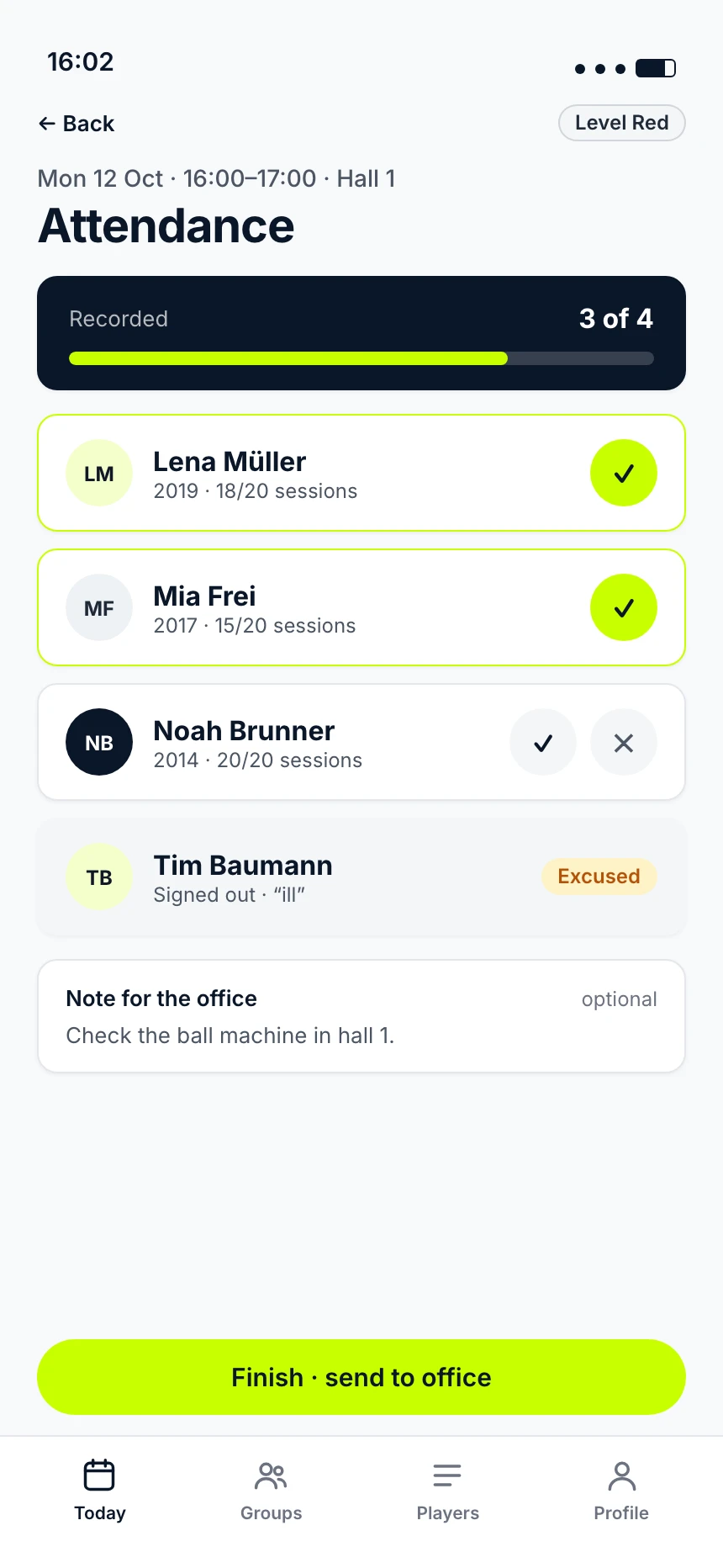
- Counting lessonsThe lessons come from the calendar, with their planned duration. For every lesson you see whether attendance is recorded
- Hourly ratePer coach, with a "valid from" date. Past lessons keep the rate they had
- A single lessonWithout a change, duration times hourly rate applies. You change the amount of one lesson on its own, and decide per lesson whether it is paid
- ExtrasAddition or deduction with date, text and amount
- Closing the monthConfirm the month and mark it as paid. After that it can no longer be changed
- ExportOne Excel file with the sheets "Overview" and "Items"
Who sees what
- The head of the school sees all coaches with lessons, hours, hourly rate and total, for any period
- The comparison shows hours and cost per coach and the change against the period before
- Every coach sees their own payroll and cannot change it
- Only the head of the school enters and changes hourly rates
Instead of tally sheets and forms
Without software, coaches keep their hours by hand and hand in a form at the end of the month, which someone checks. When the lessons are in the calendar anyway, nobody has to add them up. With a substitute, the lesson counts for the coach entered in the lesson. If a coach has no hourly rate yet, the payroll points it out.
Frequently asked questions
No. A past lesson counts with its planned duration. The payroll shows for every lesson whether attendance is recorded, and you decide per lesson whether it is paid.
Cancelled lessons appear in the payroll and are marked as cancelled. Whether the coach is paid for them is decided by the head of the school, lesson by lesson.
No. Only the head of the school enters and changes hourly rates. A new rate applies from today at the earliest, past lessons keep the rate they had.
No. It delivers lessons, hours and the total per coach. Salary statements, social security and taxes stay with your payroll accounting or your accountant; the Excel export is made for that.
The price depends on your organisation: members, number of students, number of coaches, locations and the scope you need. In a 30-minute call we look at your situation, and then you receive a concrete offer.