QR-bills for club and tennis school
With mytennis.software you create invoices for fees, indoor court subscriptions, courses and camps for everyone at once and send them by email. In Switzerland they carry the QR code of the QR-bill; in Germany and Austria there is SEPA and GiroCode. You track open invoices in the overview and send reminders with one click or automatically.
- QR-bill, SEPA, GiroCode
- Sent by email
- Remind with one click
Updated: November 2026
How invoicing a season works
- Bulk invoicing: create all invoices of a season at once
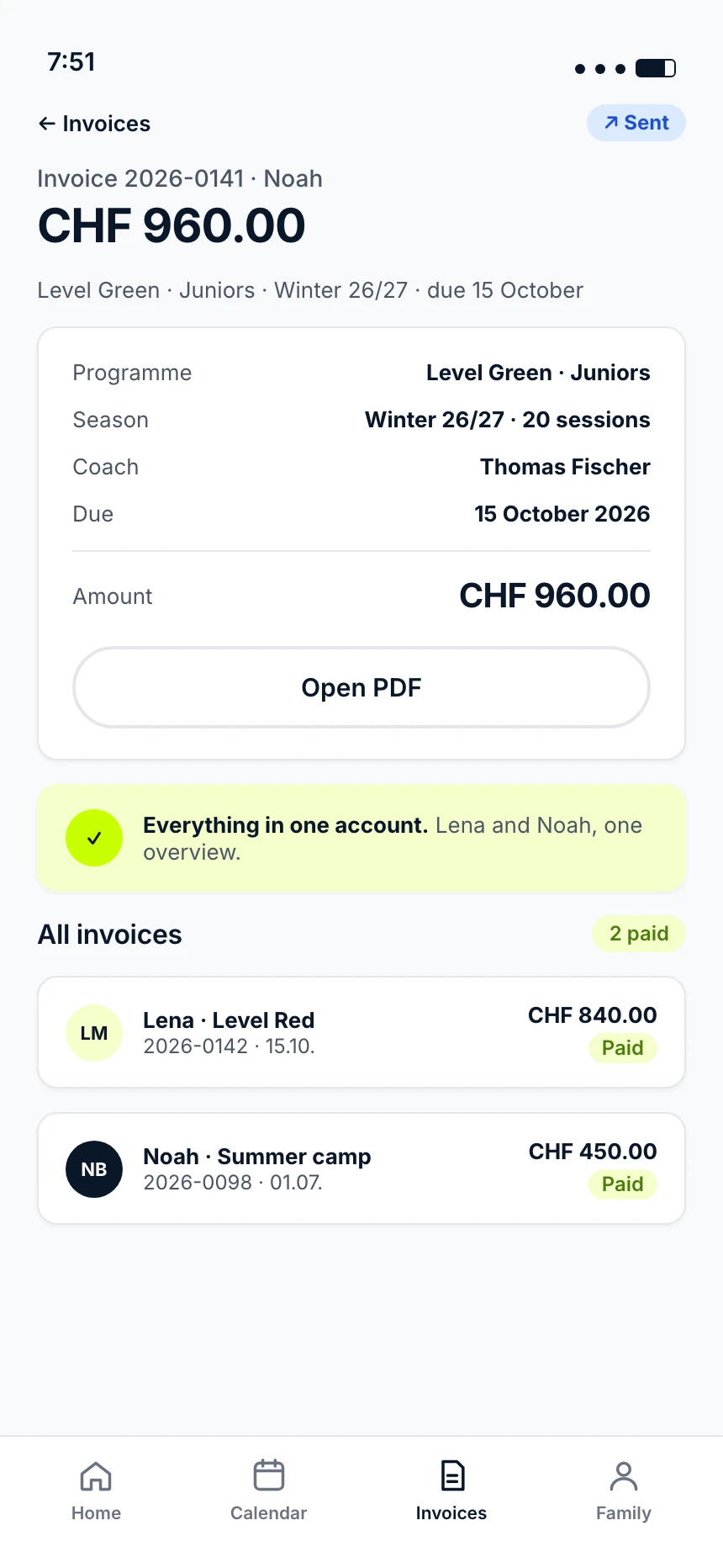
- Sent by email and also available in the profile of members and parents
- Track open items and send reminders with one click or automatically
- Export for bookkeeping as CSV and PDF archive
Payment methods by country
Since October 2022, the QR-bill has replaced the old payment slips in Switzerland. It can be scanned in e-banking without typing in the IBAN and amount.
- SwitzerlandQR-bill
- GermanySEPA and GiroCode
- AustriaSEPA and GiroCode
With your logo
The logo and colours of your club or school appear on invoices, emails and the sign-up page.
What you invoice
Club, facility or tennis school: all invoices are created in the same system, with your logo and the same payment methods. These are the four most common cases.
- Membership feesAll fees of a year in one step, to all members
- Indoor passesInvoiced together with membership and coaching fees
- Courses and season coachingThe invoices of a whole season at once, to all parents
- CampsWith the same invoice and the same payment methods
Frequently asked questions
Yes. Since 1 October 2022, only QR-bills are processed in Switzerland. The red and orange payment slips are no longer valid.
No. Invoices go out by email and are available in the profile. No more letters.
Yes. Bulk invoicing creates the invoices for a whole season or for all fees in one step.
Through the accounting export as CSV and PDF archive for your accounting software.
Yes. Every invoice arrives by email and is also available in their own profile.
Open invoices are listed in the overview. You send a reminder with one click or have it sent automatically.